
A reply that sounds like you
A cheerful face can add a smile to “made it home” or “thanks for helping.” In Discord, WhatsApp, or another chat, let your words carry the message and use the face to add its tone.
Find a happy replyJAPANESE TEXT FACES · ONE-CLICK COPY
Browse 442 Japanese text faces by mood, animal, or gesture. Click a kaomoji to copy it, then paste it into a chat, caption, or bio.
Checking the generator…
20 AI requests per browser daily · Resets at 00:00 UTC
More styles & Mix & matchA smile, a cat, a hug, or a shrug. Copy a face here, or browse a topic for more expressions.
Four different faces for wherever the day takes you.
A little mix of moods. Find one that feels like you.
Choose a mood, animal, or gesture.
Soft smiles, rosy cheeks, and a tiny bunny for a thank-you or friendly bio.
Preview a classic cat, a sleepy sign-off, or a playful greeting for a pet caption.
Open arms and bear hugs for a welcome, a quiet check-in, or a comforting message.
A wave to start the chat, a soft smile to keep it going. Try “Just stopping by to say hi!”
MEET THE CHARACTERS IN THE BOX
A kaomoji is a small face drawn with text characters. Parentheses can frame the cheeks, a curved line can become a smile, and a few extra marks can suggest paws or outstretched arms. These Japanese-style expressions are read upright, so you can usually recognize the feeling without turning your head.
The characters remain editable text after you copy them. You can place a face beside a sentence, shorten a decoration, or pair it with a greeting. Its appearance still depends on the receiving app and font, so a quick preview is useful before you send it.
FROM A FACE TO A MESSAGE
Start with the 442 faces in the library, or make your own in the studio. You can browse, copy, and keep favorites without creating an account.
A small smile can suit a quick thank-you; open arms can make a check-in warmer. Search a word or open a topic, then choose a face that matches what you mean.
Click the face to copy its complete set of characters. Paste it beside your own words, then check the spacing and the tone in the app where you are sending it.
Tap the heart to save a useful face in Favorites. Your saved library can include faces from this collection, AI results, and expressions you assemble in Mix & match.
A quick paste reminder: use Command+V on Mac, Ctrl+V on Windows, or your phone’s Paste command. If automatic copying is blocked, the copy helper lets you select the expression manually. Favorites stay in this browser; clearing its data removes your saved faces.
LITTLE FACES IN EVERYDAY TEXT
A cheerful face can add a smile to “made it home” or “thanks for helping.” In Discord, WhatsApp, or another chat, let your words carry the message and use the face to add its tone.
Find a happy replyA cat face can sit beside a pet-photo caption; a compact smile can finish a short bio. For Instagram or TikTok text fields, try one expression first and check the remaining character allowance.
Browse cat text facesA text hug can accompany “thinking of you,” while a sleepy face can finish a goodnight message. Choose the gesture for the person and the moment, especially when a conversation is sensitive.
Choose a virtual hugSome apps treat backslashes, underscores, or repeated spaces as formatting. If an arm disappears or a face wraps onto two lines, try a shorter version or the app’s plain-text option. A kaomoji can suggest a feeling; the surrounding sentence explains what you mean.
BEFORE YOU SEND
Copying, choosing a face, and keeping a personal collection, explained.
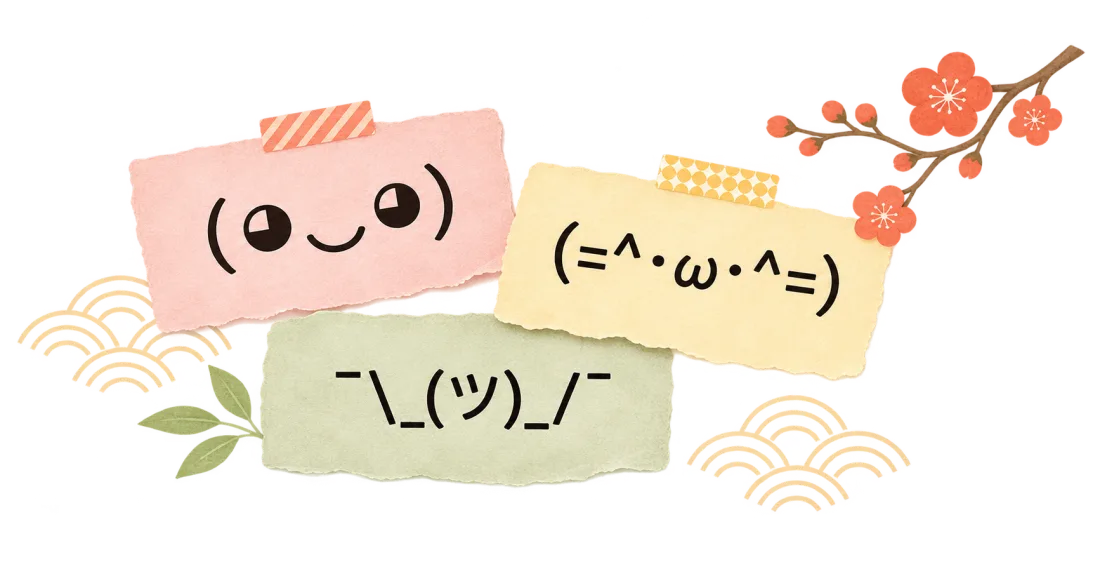
A kaomoji is a face or gesture made from text characters, such as (◕‿◕) or ¯\_(ツ)_/¯. The Japanese name combines words for face and character. You can copy an expression as text into a message rather than sending an image.
Press Windows key + period to open the emoji panel, then choose the kaomoji section if your Windows version provides it. You can also click a face here and paste it with Ctrl+V. Copying is useful for characters that are hard to type on your keyboard.
Emoticon is a broad term for text expressions. Kaomoji usually read upright, such as (T_T), while familiar Western emoticons such as :-) are read sideways. Kaomoji can combine Unicode symbols as well as basic keyboard punctuation.
Click or tap a face to copy the complete expression. Paste it with Command+V on Mac, Ctrl+V on Windows, or your phone’s Paste command. If copying is blocked, select the face in the copy helper.
Tap a heart to save a face in Favorites in this browser. AI results and manually made faces can be saved too. Favorites are not synced, and clearing browser data removes them.
Open AI kaomoji and describe a character, mood, or small scene. The AI generator returns six faces for a successful request. You can also use Mix & match to choose the characters yourself. Generating with AI sends your description to our AI provider; manual assembly stays in your browser.
A kaomoji builds a face from several text characters, while an emoji is usually a pictographic symbol. Kaomojis can use Unicode characters beyond the basic ASCII set. Text art may cover much larger drawings, sometimes across several lines; this library focuses on expressions you can use in a message.